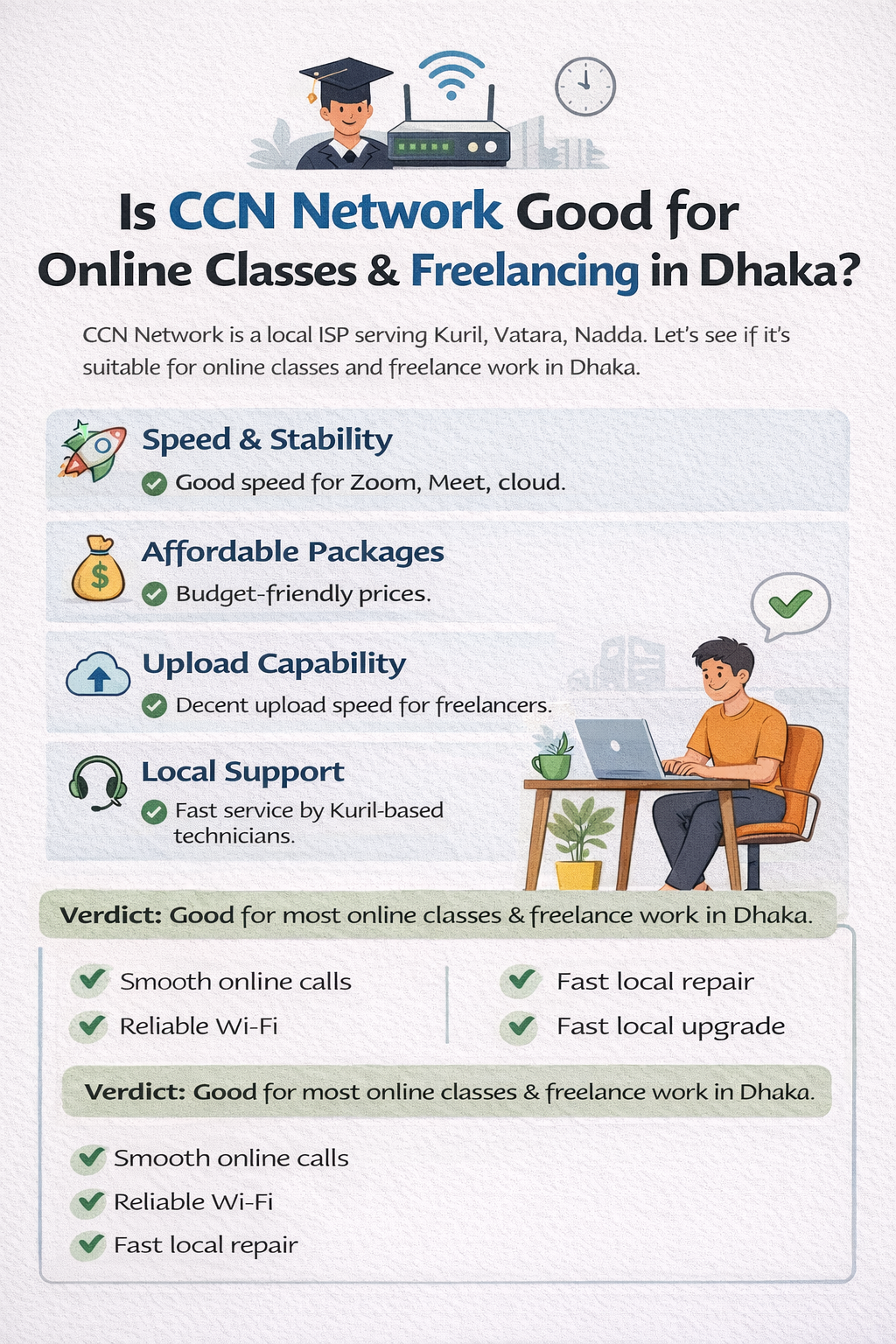
Is CCN Network Good for Online Classes & Freelancing in Dhaka?
Introduction
In Dhaka, reliable internet is one of the biggest needs for students and freelancers alike. With the rise of online classes, Zoom meetings, remote work, and cloud-based tools, having a stable connection isn’t just a convenience — it’s essential.
One popular local provider in Kuril, Vatara and nearby areas is CCN Network, a broadband ISP known for affordable packages and quick local support. But the real question is:
Let’s break it down in simple, practical terms.
Is CCN Network good enough for online classes and freelancing work in Dhaka?
What Online Classes & Freelancers Need From Internet
Before we evaluate CCN, here’s what typical users need:
For Online Classes
Smooth video calls (Zoom, Google Meet)
Clear audio, no lag
Ability to share screen/PPT
Stable connection during class hours
Several devices connected (laptop, phone, tablet)
For Freelancers
Stable upload speed
Good download speed
Quick file transfers/cloud sync
Video meetings & collaboration tools
Minimal downtime
If the ISP fails in these areas, work and study are disrupted — costing time and income.
2. CCN Network Overview
Who They Are
CCN Network is a local internet service provider with a strong presence in Kuril, Vatara, Nadda and surrounding Dhaka areas. They offer broadband packages using fiber or cable with affordable monthly charges.
Key Features
Affordable pricing
Quick installation
Packages suitable for home users
3. Speed & Stability for Online Work
Actual Performance for Students
Many CCN users report:
20–30 Mbps is enough for one or two devices
Zoom/Meet stays stable at 1080p
No sudden disconnects during classes
This mostly holds true as long as the package speed matches your usage.
For Freelancers
Freelancing often needs:
- Zoom meetings with clients
- File uploads (documents, designs, code)
- Cloud backups
CCN’s speed is usually good enough for this if you choose the right package (30 Mbps or higher).
If your job needs heavy uploads or big cloud syncing, go for 50+ Mbps.
4. Upload Speed — A Freelancer’s Priority
Good upload speed means:
Faster file backups
Quick client deliverables
Zero lag in video calls
CCN upload speed reality
While CCN’s download speeds get most attention, upload speeds are generally adequate for freelancing with standard packages.
If you do large file transfers every day (e.g., video editing, huge datasets), you might need a higher-tier plan.
5. Reliability & Downtime
One of the best points about CCN Network in Dhaka is local support:
Technicians are nearby
Most issues fixed same day
WhatsApp/phone support responds fast
This local focus helps minimize downtime — a big plus for both students and freelancers.
6. Price vs Value
CCN Network is known for giving good value per price, especially compared to nationwide ISPs that cost more but may have slower support in specific neighborhoods.
You get:
Affordable monthly plans
Installation ease
No hidden charges
For students and home freelancers, this balance of price and performance is often ideal.
7. Real Use Cases
Example 1: University Student
- 20–30 Mbps
- 2 devices simultaneous
- Zoom + YouTube + Google Drive
Works smoothly
Not ideal if everyone at home streams 4K at the same time
Example 2: Freelancer (Writer/Designer)
- 30–50 Mbps
- Frequent Zoom meetings
- Cloud backups
Most tasks are easy
Might feel slow for huge uploads if on lower plan
8. Areas Where CCN Might Struggle
Let’s be honest — no ISP is perfect. CCN may not be ideal if:
You need constant ultra-low latency (e.g., high-end gaming + freelancing)
Your household has 5+ heavy users
You upload huge files dozens of times daily
For these users, a more premium ISP plan may be better.
9. CCN vs Other ISPs for Online Work
Compared to Link3 and Amber IT:
For normal online classes and most freelance work, CCN Network is usually enough and reliable.
10. Tips to Make CCN Work Better for You
Here are some practical tips:
Choose at least 30 Mbps if you attend frequent online classes
Upgrade to 50 Mbps for heavy cloud work
Use a good router with strong Wi-Fi
Ask CCN for static IP if needed for remote access
Test speed during peak hours (8–11 PM)
11. Frequently Asked Questions (FAQ)
Q: Is CCN Network good for Zoom classes?
A: Yes — 20+ Mbps works well for 1–2 simultaneous video calls.
Q: Can freelancers work full-time on CCN?
A: Yes, especially if you choose 30–50 Mbps packages.
Q: Does CCN support cloud backups?
A: Yes. Upload speeds are adequate for normal cloud use.
Q: What if internet slows at night?
A: Consider upgrading to a higher plan or ask CCN support for optimization.
Q: Is local support better than big ISPs?
A: Often yes — especially for quick fixes in Kuril area.
Conclusion
So, is CCN Network good for online classes & freelancing in Dhaka?
Yes — absolutely for most users.
- It’s affordable
- Reliable for Zoom, Meet, Teams
- Good local support
- Perfect for students and most freelancers
If your work needs very high upload speeds, professional editing, or competing gaming plus freelance work at the same time, you might consider a plan upgrade or premium ISP.
But for everyday online classes and freelancing work, CCN Network is a solid, trustworthy choice in Dhaka — especially in Kuril and nearby areas.
